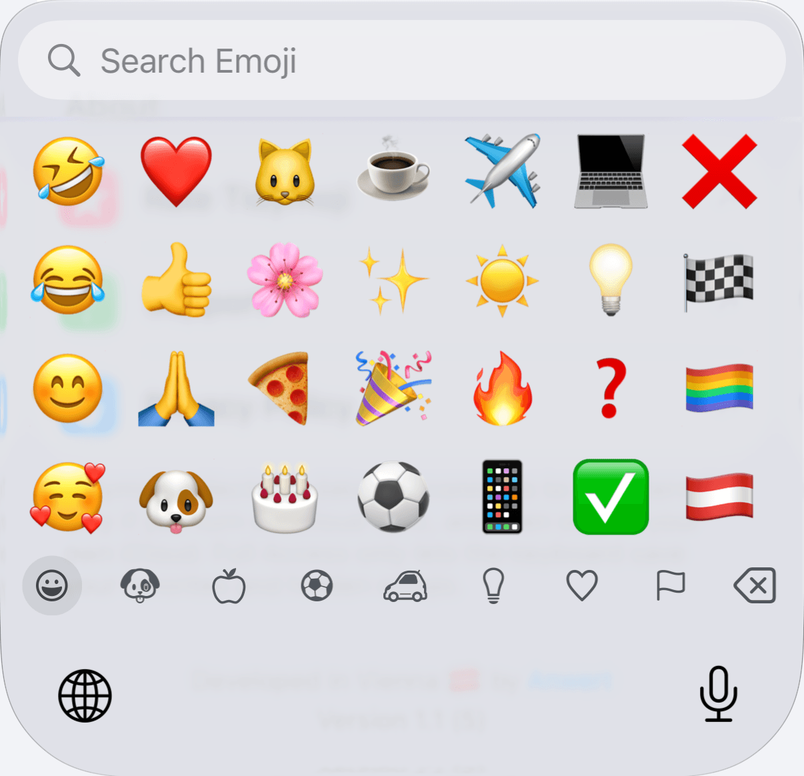
How to remove stickers from the iPhone keyboard
Open Settings › General › Keyboard and turn off Stickers, in the Emoji group at the end. The sticker area disappears from the emoji keyboard in most apps.
Your stickers are not deleted, and the switch brings them back at any time. In apps that can type stickers like emojis, iOS keeps showing them.
Remove stickers from the keyboard, step by step
- Open Settings and tap General.
- Tap Keyboard.
- Scroll to the end, to the group called Emoji, and turn off Stickers.
- Open the emoji keyboard in the app where the stickers bothered you, and check that the sticker area is gone.
If there is no Stickers switch
The Emoji group only shows while Emoji is one of your keyboards. Check under Settings › General › Keyboard › Keyboards. On iOS 16 and earlier, the switch is called Memoji Stickers.
Where stickers still show
Under the switch, iOS says: “Stickers are always shown in apps that support typing them as emoji.” Messages is one of those apps. There, the sticker area stays in the emoji keyboard whatever the switch says.
What you can do there is delete single stickers, in the sticker drawer of Messages.
The other way: a keyboard with emojis only
Tidymoji is an emoji keyboard for iPhone that shows emojis and nothing else. It has no sticker area in any app, so there is nothing to switch off.
The emojis can be tidied too: hide the ones you never use, and pin your favorites to the front.